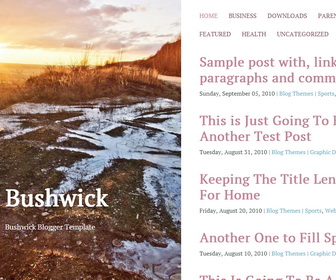
Bushwick Blogger template is a lightweight, responsive blogging theme, designed to show beautiful content alongside beautiful imagery. Bushwick Blogger theme will be a better option for your personal blog or website.
How To Add Links to Top Navigation Menu
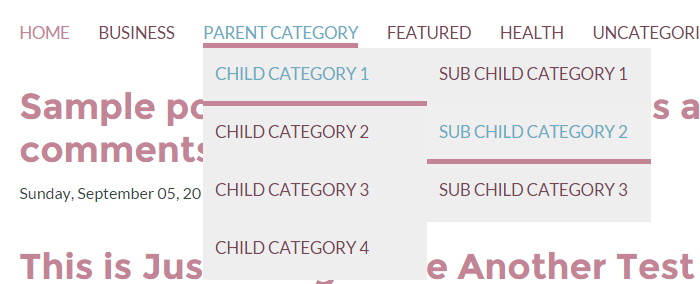
Find this in “Edit HTML”:
<div class='bwraptopmenu'>
<ul>
<li class='current_page_item'><a expr:href='data:blog.homepageUrl'>Home</a></li>
<li><a href='#'>Business</a>
<ul class='children'>
<li><a href='#'>Internet</a></li>
<li><a href='#'>Market</a></li>
<li><a href='#'>Stock</a></li>
</ul>
</li>

<li><a href='#'>Parent Category</a>
<ul class='children'>
<li><a href='#'>Child Category 1</a>
<ul class='children'>
<li><a href='#'>Sub Child Category 1</a></li>
<li><a href='#'>Sub Child Category 2</a></li>
<li><a href='#'>Sub Child Category 3</a></li>
</ul>
</li>
<li><a href='#'>Child Category 2</a></li>
<li><a href='#'>Child Category 3</a></li>
<li><a href='#'>Child Category 4</a></li>
</ul>
</li>

<li><a href='#'>Featured</a></li>

<li><a href='#'>Health</a>
<ul class='children'>
<li><a href='#'>Childcare</a></li>
<li><a href='#'>Doctors</a></li>
</ul>
</li>

<li><a href='#'>Uncategorized</a></li>
</ul>
</div>
Replace “#” marks with real URLs and change anchor texts as you like.
Slide-out Widget Area:
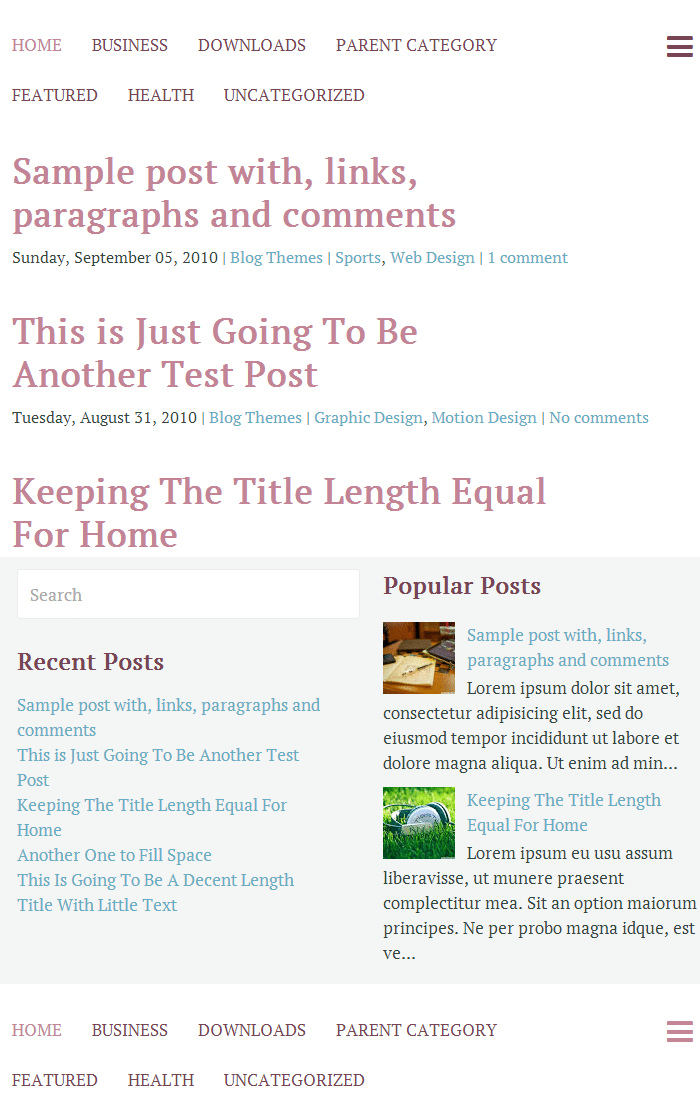
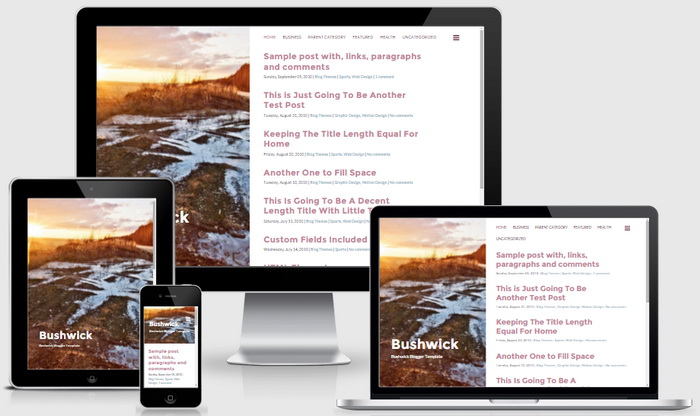
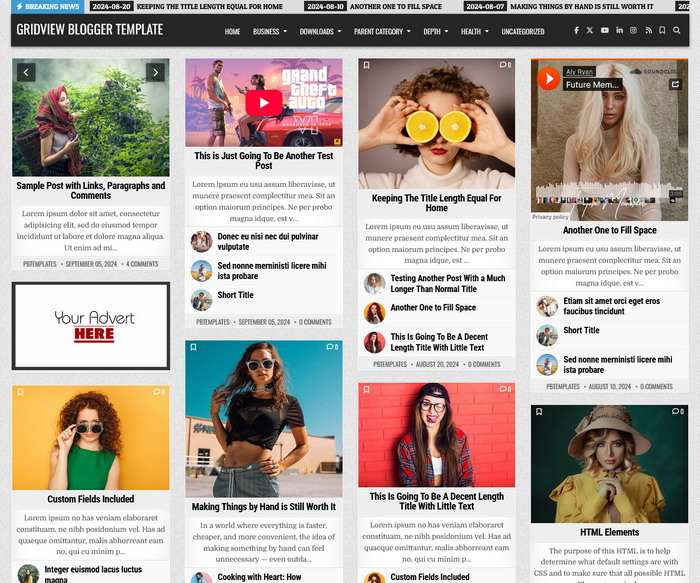
Bushwick Blogger Template Responsive View



Just wanted to say thanks for the awesome template and that it is really we designed.
I have set it up on my blog and liking how it works so far!
Hi how do I change the size of the post headers on the right without changing the Blog Header size on the left?
Get the paid version to changes fonts and colors.
Can you point me to the easiest way to add a tabbed menu structure to Bushwick?
is there any way to make it show the actual post on the blog instead of just the title? Thanks! Awesome template!
Hi, By default it shows only titles on the homepage. When you click on a post title, you can see the full post. Contact me if you need to customize it to display full posts on the homepage. Thanks.
hei again.
how to change the image?
thanks a lot.
a great template!!
Yes how do you change the image? I love the theme, I would really appreciate some additional editing/customization info 🙂
change this image URL with your image URL:
http://2.bp.blogspot.com/-J9vLdnNRsl0/UzofACuW4uI/AAAAAAAAH3s/3hg6-mG14gY/s1600/default-header.jpg
Hello, I would like to ask how to change the fonts (and font size) in both articles and heads of articles, thank you very much.
You can buy paid version of "Bushwick" to do this very easily. It is blogger template design compatible.
Hi,
can I add some lines of post preview under post title on main page?
thank you.
Contact me for a personal customization.
is there any way to show post summary in the homepage?
need some modification. contact me.
Hello! I already changed some things in the template and it is almost perfect but I would like a post sumary and a random image. Could you help with that?
for custom theme modifications, please use contact form.
Hello.
I would like to remove the author name and arrow from the header image. I did some googling and I know the line of coding I need is:
.entry-header .author, .single .nav-links { display: none; }
But I don't know where to put it
Can you help?
Thanks
Hi, place it just before the ]]></b:skin> tag.