When you enable Google Plus comments in Blogger settings, Can’t you see Google Plus comment box and not displaying default Blogger comments also? this tutorial will help you to fix that problem.
Note: Please backup your blogger template first before doing any changes.
Now go to “Edit HTML”.
Find this:
<b:if cond='data:blog.pageType == "static_page"'> <b:if cond='data:post.showThreadedComments'> <b:include data='post' name='threaded_comments'/> <b:else/> <b:include data='post' name='comments'/> </b:if> </b:if> <b:if cond='data:blog.pageType == "item"'> <b:if cond='data:post.showThreadedComments'> <b:include data='post' name='threaded_comments'/> <b:else/> <b:include data='post' name='comments'/> </b:if> </b:if>
Note: You will see above code 2 times.
Replace each above code with the code given below:
<b:if cond='data:blog.pageType == "static_page"'> <b:include data='post' name='comment_picker'/> </b:if> <b:if cond='data:blog.pageType == "item"'> <b:include data='post' name='comment_picker'/> </b:if>
Save your template and refresh your site.
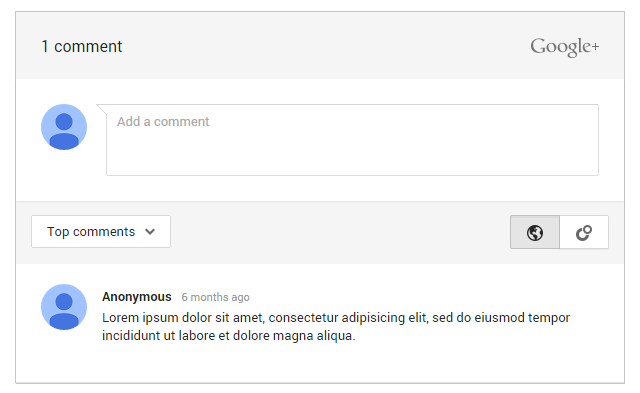
You can see Google Plus comments is working on your blog now.
Please i have tried to change. I cant even find that codes.
Hi, what is the name of template you are using?
Can't seem to delete comments. help!
can you give your site URL?