This tutorial will show you the way to install a blogger template for your blog.
1. Download your template using the "Download Now" link (as a zip file).

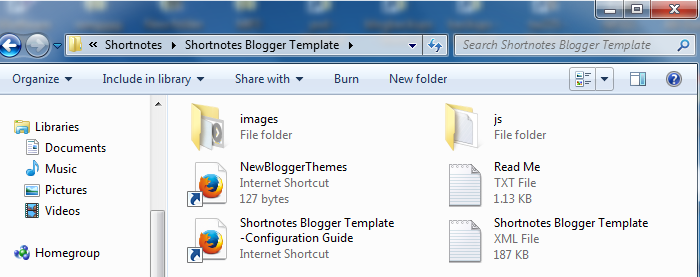
2.Now unzip this zip file using a software like Winzip, WinRAR,...
3. Login to Blogger account (http://www.blogger.com/home) and click on your blog name. Click on "Template".
4. Now click on "Backup / Restore" button.
5. Download your current template using the "Download full template" button. Save it to your hard drive and keep it in a safe place. Because if you face any problem with new template installation, you can upload your old template again.
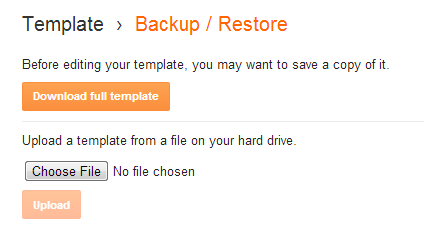
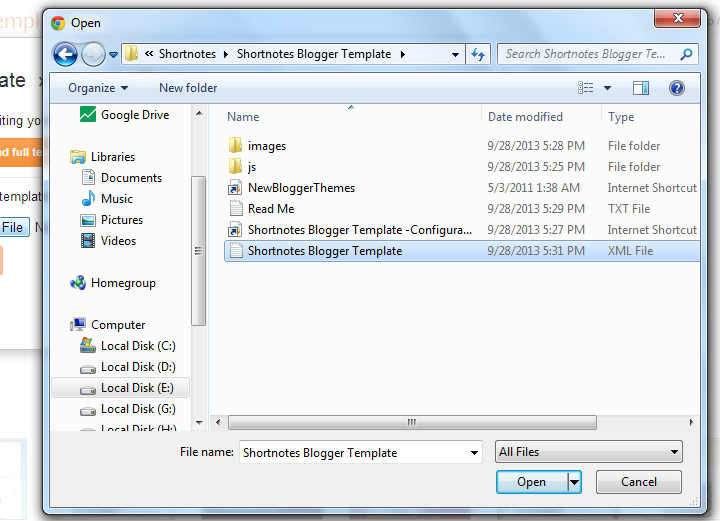
6. Now use "Choose File" button to select your new blogger template (you can find it as a .xml file inside unzipped folder in step 2). After that click on "Upload" button. Wait few seconds until upload is completed.
Now you have successfully installed your new blogger template.
7. Go to "Layout" and arrange your widgets as you like.