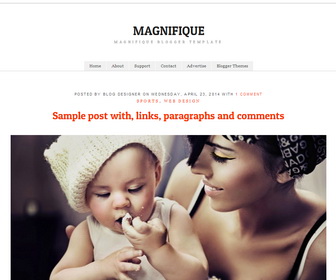
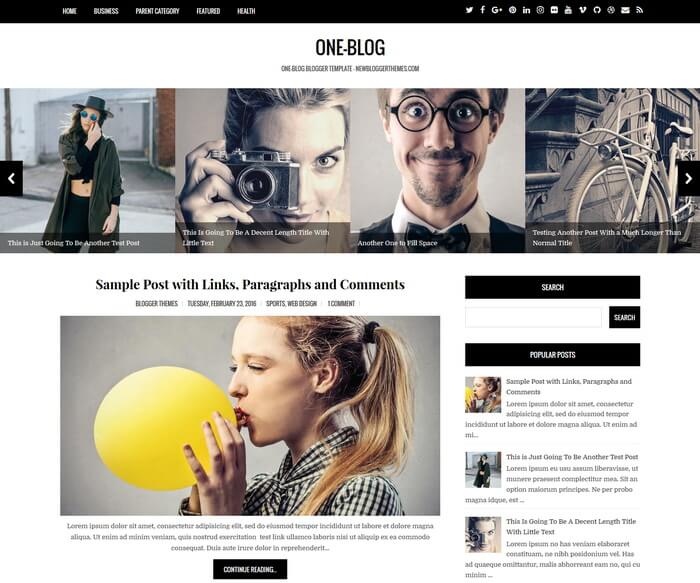
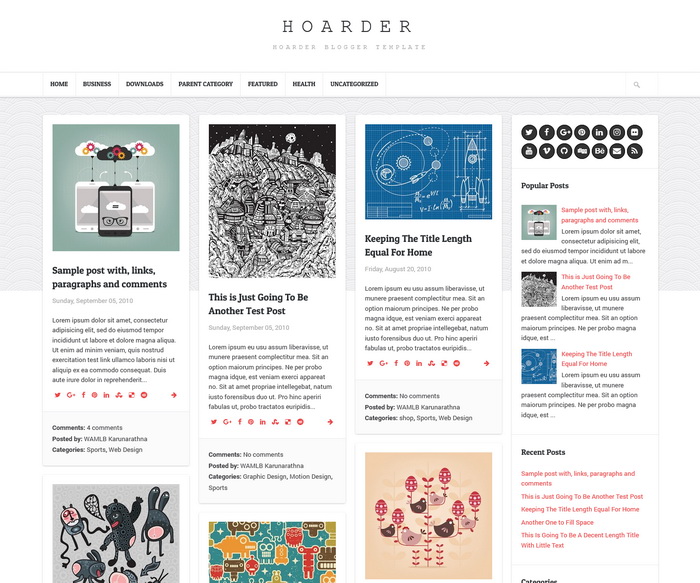
Magnifique is a minimal and responsive Blogger theme for bloggers. Go back to basics again. No need for sidebars, widgets or complicated settings. Just blog. Magnifique Blogger template has a responsive and simple design and top main navigation.
How To Add Links to Top Navigation Menu

Go to “Layout”. Click on “Edit” link of “Edit This Menu” widget.
Now add your links to that link list widget.
Read more: https://newbloggerthemes.com/blog/how-to-configure-linklist-menu-widget/
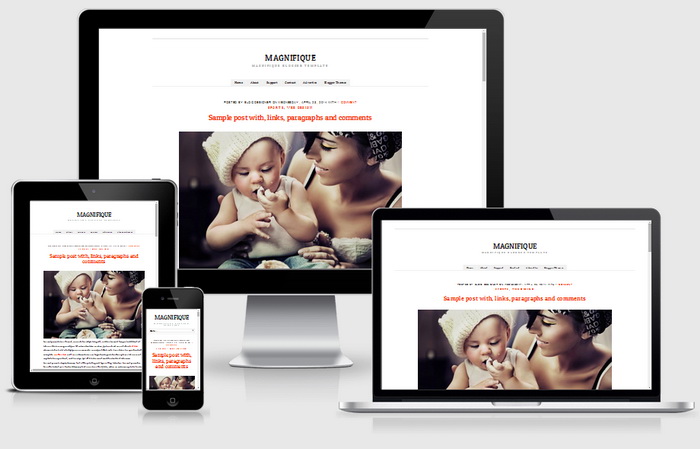
Magnifique Blogger Template Responsive Design
how do i have an ‘about’ page? not the ‘link’, but the url that the link directs to. thanks
Great template. I love this!
Love this!! But is there any way to change the post title font color from orange??
Hi Lauren, find this in Edit HTML:
a { color:#fc3300; text-decoration: none; -o-transition:.3s; -ms-transition:.3s; -moz-transition:.3s; -webkit-transition:.3s; transition:.3s; }
change “#fc3300” color value to other you like.
Thank you so much!!
this is awesome! but for some reason my date isn’t showing up on my blog… is there a way to fix it?
Hi, you need to change it in Blogger “Language and formatting” settings.
Hi,
the font seemed too small for my liking (eyes!) How to increase the font size?
Thank you
Hi, find this and change 14px value of font size:
body,div,dl,dt,dd,ul,ol,li,h1,h2,h3,h4,h5,h6,pre,form,p,blockquote,th,td{margin:0;padding:0;font-size:14px;direction:ltr}
Hi, This is super awesome. Everything works perfectly. Just one question. In case I want to change the header text to image what dimension image would work best? Will that be responsive as well?
Thanks again for this
Hi,
Is it possible to add an extra column for widgets? I’ll probably have to host some ads so it’ll be really great if i can have another column on the right.
Thanks so much!
please use contact form custom works.
Hi, I would like to know how can I increase the font size of the links list (home, about me… etc)
Thank you
find this in “Edit HTML”:
.sf-menu a { font-size:11px; display: block; position: relative; padding:9px 15px 8px 15px; margin:0 0 0 1px; background:#f1f1f1; color:#444; text-decoration:none; }
change font size from 11px to higher value and save your template.
Lovely template! Thank you!
I would like to know how it would be possible to edit the column width. I have a lot of text and it’s hard to read it in this way. Would be very grateful for this tip 🙂
Best, JOhanna
hi, please use contact form for customization.
Hei! great template! I’m just wondering if i want an header, what do i do?
contact me for personal customization.
In the mobile version, the menu does not appear, because?
it is displaying as a drop-down.