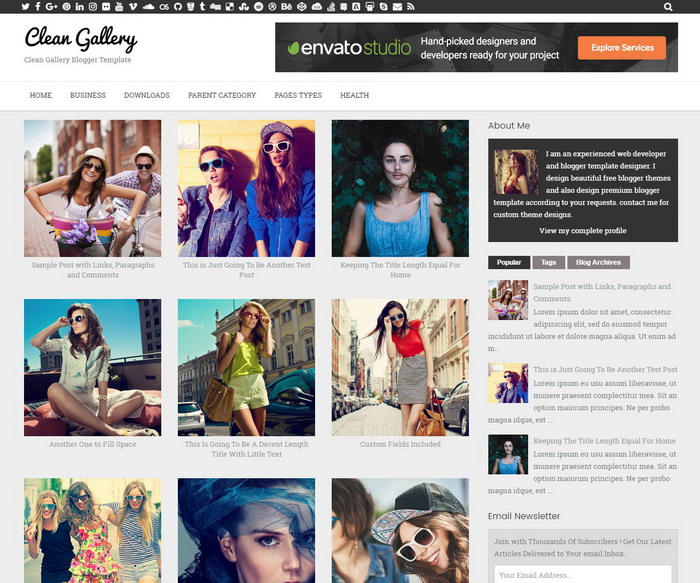
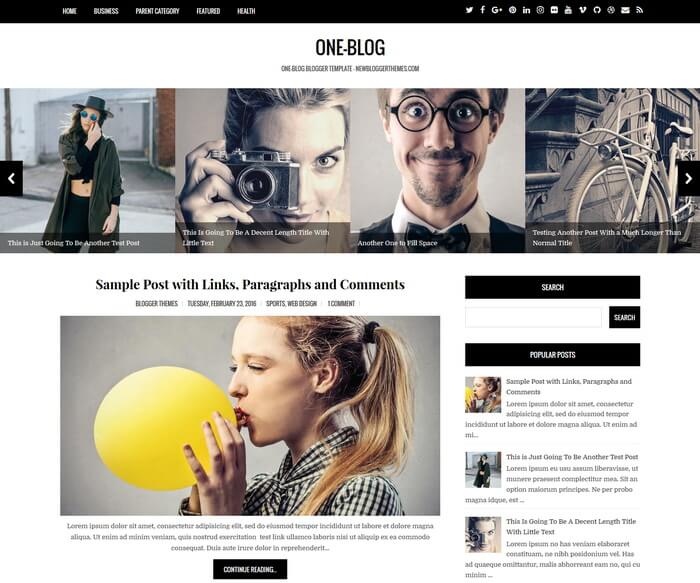
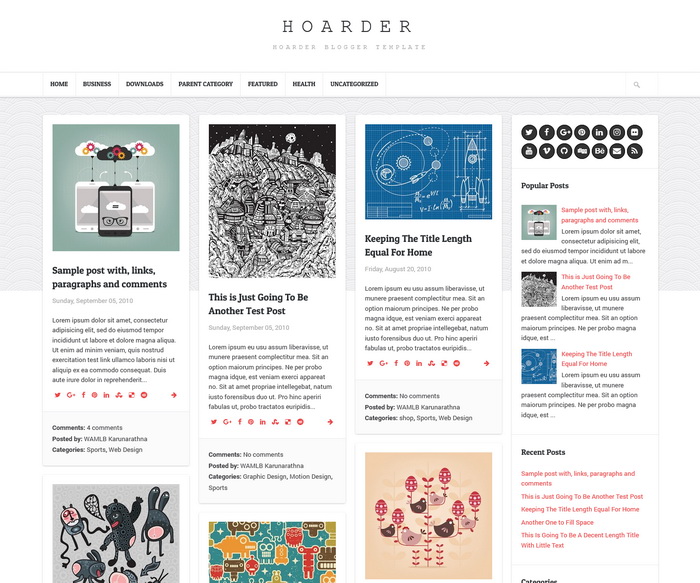
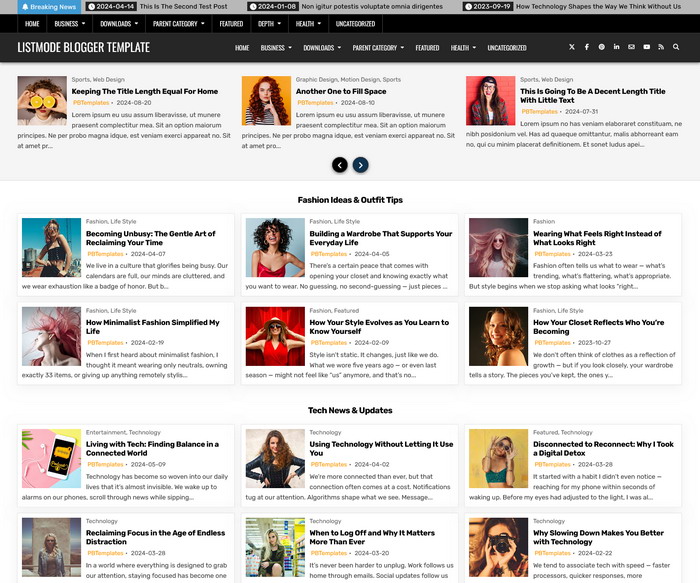
Felice is a fully responsive, fabulous, coming-soon blogger theme you can use before your final masterpiece is unveiled. With a focus on visual elements and a teaser progress bar, Felice will keep your audience hungry for updates, and allow them to connect with you via social media or through your mailing list until your website is ready to launch. Felice Blogger template has social icons, email subscribe box, featured image, progress bar from 10% to 100% and ability to upload your own header logo.
Go to “Edit HTML” and find given codes to configure your template.
How To Change Featured Image

https://3.bp.blogspot.com/-Q8ZFfv2Y6q0/V8ENAmYp5eI/AAAAAAAAOh4/SBsi9F1p-9MTyQEXamRdtEArp5kYU48AQCLcB/s1600/featured-image.jpg
Change above image URL with an image URL you like.
How To Configure Progress Bar

<div class='site-progress-wrap'> <span class='site-progress-num'>70 &#37;</span> <div class='site-progress'> <div class='site-progress-bar' style='width: 70%; background-color: #daeae0;'>&nbsp;</div> </div> </div>
Change the values 70 and 70% as you like.
How To Configure Email Subscribe Box

<form action='http://feedburner.google.com/fb/a/mailverify' id='searchformnbt' method='post' onsubmit='window.open('http://feedburner.google.com/fb/a/mailverify?uri=newbthemes', 'popupwindow', 'scrollbars=yes,width=550,height=520');return true' target='popupwindow'>
<input id='UserEmail' name='email' onblur='if (this.value == '') {this.value = 'Enter your email address';}' onfocus='this.value = '';' type='text' value='Enter your email address'/>
<input name='uri' type='hidden' value='newbthemes'/>
<input name='loc' type='hidden' value='en_US'/>
<input id='btn-submit' type='submit' value='Signup'/>
</form>
Add your feedburner ID replacing my feedburner ID (newbthemes).
How To Configure Social Buttons

<ul class='social-iconsnbt'>
<li><a class='social-twitter-btn' href='https://twitter.com/' rel='nofollow' target='_blank'>Twitter</a></li>
<li><a class='social-facebook-btn' href='https://www.facebook.com/' rel='nofollow' target='_blank'>Facebook</a></li>
<li><a class='social-pinterest-btn' href='https://www.pinterest.com/' rel='nofollow' target='_blank'>Pinterest</a></li>
<li><a class='social-instagram-btn' href='https://www.instagram.com/' rel='nofollow' target='_blank'>Instagram</a></li>
</ul>
Add your social profile URLs replacing default social profile URLs.
Felice Blogger Template Responsive View

It is a 100% responsive blogger theme that allows for easy viewing on any device.