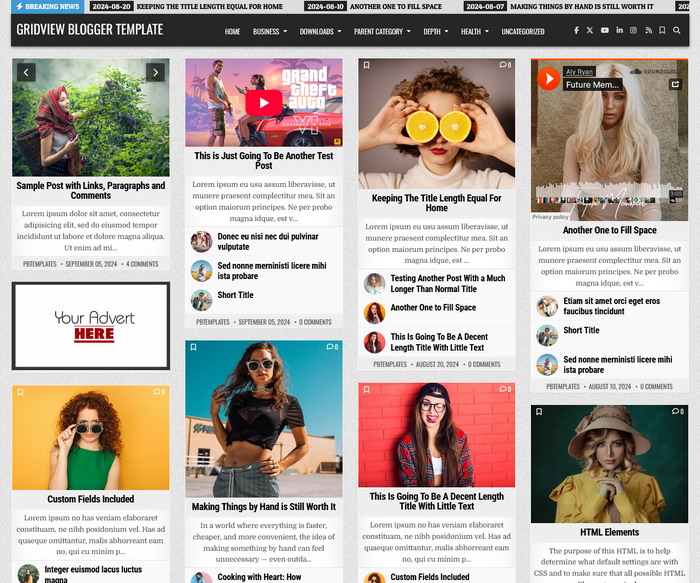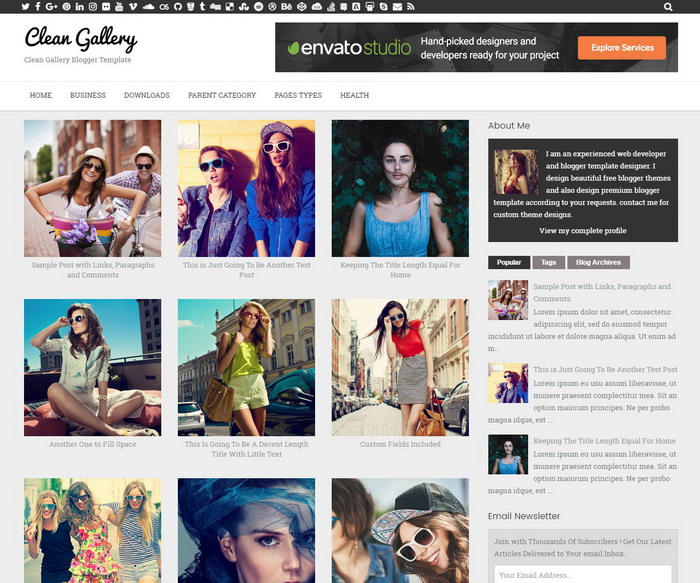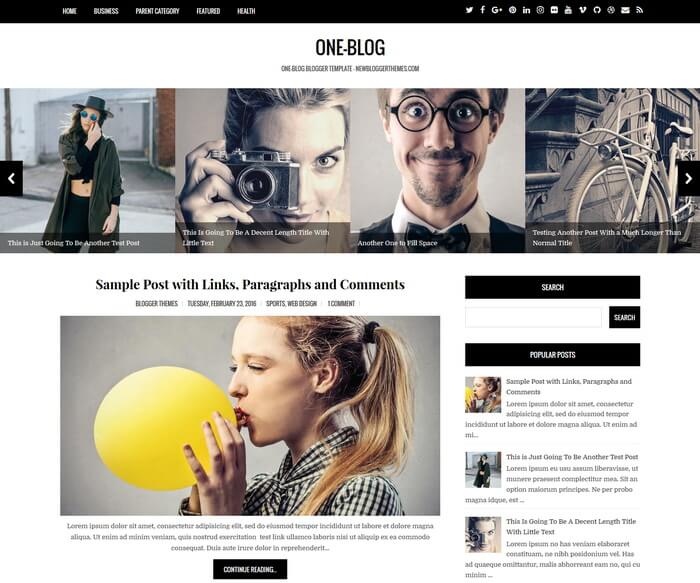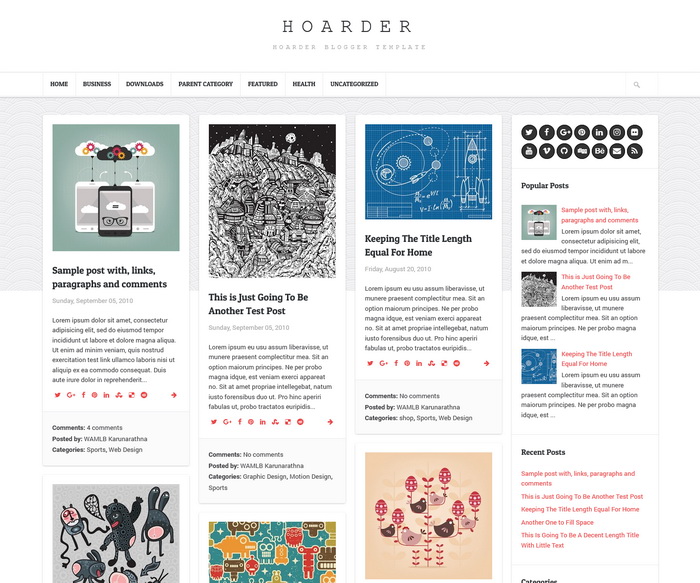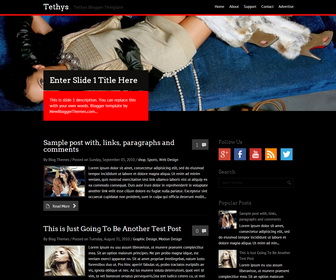
Tethys Blogger Template is a 2 Columns Blogger Template for Black Color Theme lovers. Tethys has Featured Content Slider, Dropdown Menu, Social Buttons and Right Sidebar.
How To Add Links Top Navigation Menu
Go to “Layout”. Click on “Edit” link of “Edit This Menu” widget.
Now add your links to that link list widget.
How To Configure Social Buttons
Find this in “Edit HTML”:
<div class='widget'>
   <div class='widget-wrap widget-inside'>
      <h3 class='widget-title'>Follow Us</h3>
      <ul id='social'>
         <li><a href='#' id='google_plus' title='Google Plus'/></li>
         <li><a href='#' id='facebook' title='Facebook'/></li>
         <li><a href='#' id='youtube' title='Youtube Channel'/></li>
         <li><a href='#' id='rss' title='RSS'/></li>
         <li><a href='#' id='twitter' title='Twitter'/></li>
      </ul>
   </div>
</div>
Add your own social links replacing “#” marks.
How To Configure Featured Content Slider:
Find this in “Edit HTML”:
<div id='slider-wrap'>
   <div class='flexslider'>
      <ul class='slides'>
	     <!-- slide 1 code start -->
         <li>
            <a href='ENTER-SLIDE-1-LINK-HERE'><img src='http://2.bp.blogspot.com/-X3pVL-c5d8w/UoBxd5ZbdoI/AAAAAAAALr8/0OMpY0WkO_M/s1600/slide-image-1.jpg'/></a>
            <div class='flex-caption'>
               <h2 class='flex-title'><a href='ENTER-SLIDE-1-LINK-HERE'>Enter Slide 1 Title Here</a></h2>
               <p>This is slide 1 description. You can replace this with your own words. Blogger template by NewBloggerThemes.com...</p>
            </div>
         </li>
		 <!-- slide 1 code end -->

		 <!-- slide 2 code start -->
         <li>
            <a href='ENTER-SLIDE-2-LINK-HERE'><img src='http://2.bp.blogspot.com/-wIcX2ld0HQ8/UoBxawwIHoI/AAAAAAAALrs/8uzUAhJyXvQ/s1600/slide-image-2.jpg'/></a>
            <div class='flex-caption'>
               <h2 class='flex-title'><a href='ENTER-SLIDE-2-LINK-HERE'>Enter Slide 2 Title Here</a></h2>
               <p>This is slide 2 description. You can replace this with your own words. Blogger template by NewBloggerThemes.com...</p>
            </div>
         </li>
		 <!-- slide 2 code end -->

		 <!-- slide 3 code start -->
         <li>
            <a href='ENTER-SLIDE-3-LINK-HERE'><img src='http://3.bp.blogspot.com/-SVz6Y1wg7hw/UoBxc_zCQGI/AAAAAAAALr0/DaUwwktdutk/s1600/slide-image-3.jpg'/></a>
            <div class='flex-caption'>
               <h2 class='flex-title'><a href='ENTER-SLIDE-3-LINK-HERE'>Enter Slide 3 Title Here</a></h2>
               <p>This is slide 3 description. You can replace this with your own words. Blogger template by NewBloggerThemes.com...</p>
            </div>
         </li>
		 <!-- slide 3 code end -->

      </ul>
      <!--.slides-->
   </div>
   <!--.flexslider-->
</div>
<!--#sliderwrap-->
There are 3 slides in the slider. You can add a remove more slides if you want.
Now replace,
“ENTER-SLIDE-X-LINK-HERE”s with your real slide link,
“Enter Slide X Title Here” with your real slide title,
“This is slide X description. You can replace this with your own words. Blogger template by NewBloggerThemes.com…” with your real slide description,
Slide image URL,
for each slide. (X = 1 or X = 2 or X = 3)