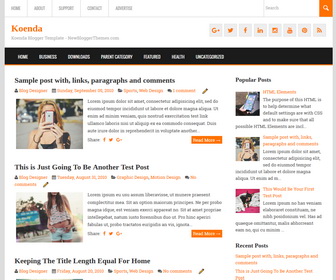
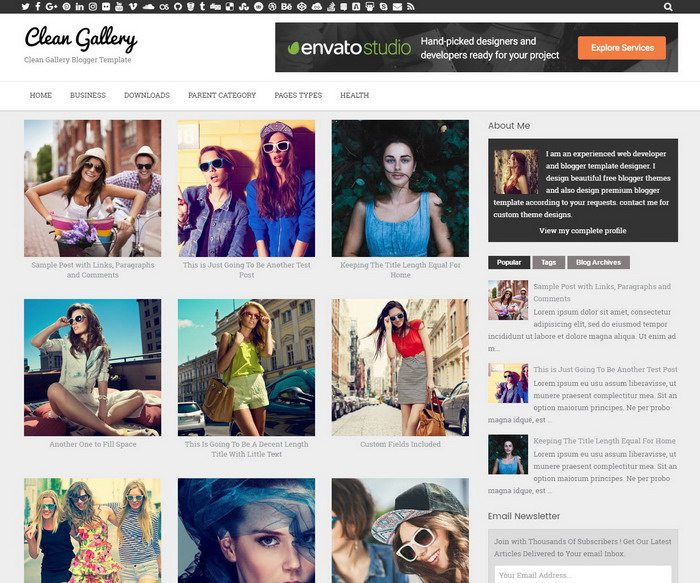
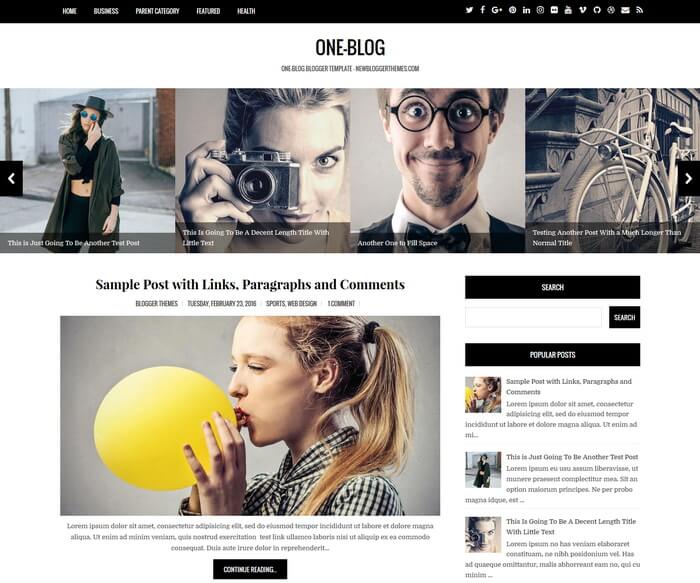
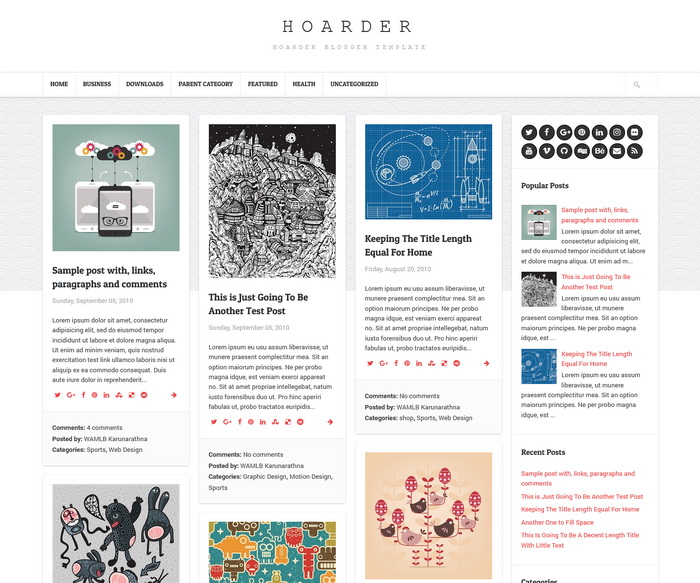
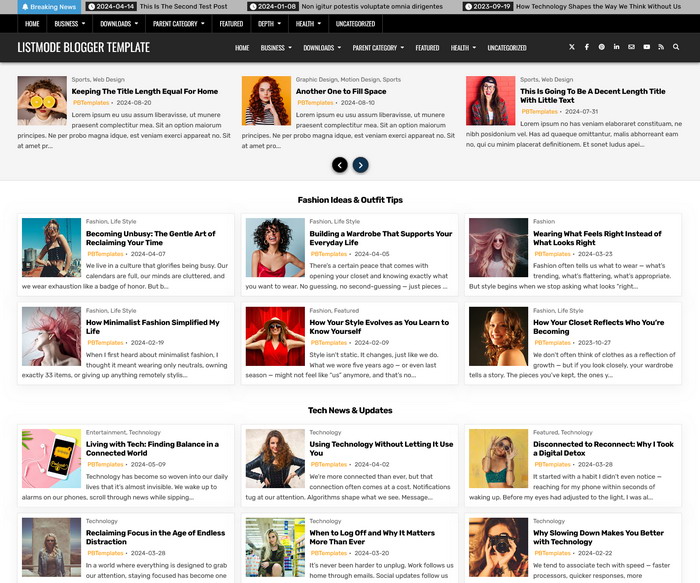
Koenda is a flexible and fully responsive Blogger theme comes with a 2 columns layout including right sidebar and 4 columns widgets area in footer. It is working well on everything from your phone to your large monitor. Koenda Blogger template has 2 navigation menus, related posts with thumbnails, social and share buttons, auto post summaries on homepage, Google web fonts and more features.
How To Configure Top Navigation Menu

Find this in “Edit HTML”:
<ul class='topbarnavnbt'>
<li><a expr:href='data:blog.homepageUrl'>Home</a></li>
<li><a href='#'>About</a></li>
<li><a href='#'>Support</a></li>
<li><a href='#'>Contact</a></li>
<li><a href='#'>Advertise</a></li>
</ul>
Replace “#” marks with real URLs and change anchor texts as you like.
How To Configure Social Buttons

Find this in “Edit HTML”:
<div class='social-buttonsnbt'>
<a href='https://plus.google.com/' rel='nofollow' target='_blank' title='Google Plus'><i class='fa fa-google-plus'/></a>
<a href='https://twitter.com/' rel='nofollow' target='_blank' title='Twitter'><i class='fa fa-twitter'/></a>
<a href='https://www.facebook.com/' rel='nofollow' target='_blank' title='Facebook'><i class='fa fa-facebook'/></a>
<a href='https://www.linkedin.com/' rel='nofollow' target='_blank' title='Linkedin'><i class='fa fa-linkedin'/></a>
...
</div>
Add your own social links replacing default social profile URLs.
How To Configure Drop-down Navigation Menu
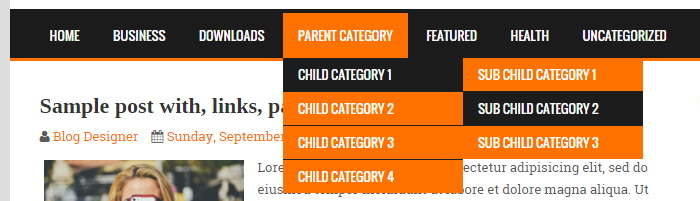
Find this in “Edit HTML”:
<ul class='menunbt'>

<li><a expr:href='data:blog.homepageUrl'>Home</a></li>

<li><a href='#'>Business</a>
<ul class='sub-menu'>
<li><a href='#'>Internet</a></li>
<li><a href='#'>Market</a></li>
<li><a href='#'>Stock</a></li>
</ul>
</li>

...

</ul>
Replace “#” marks with real URLs and change anchor texts as you like.
How To Configure Mobile Menu
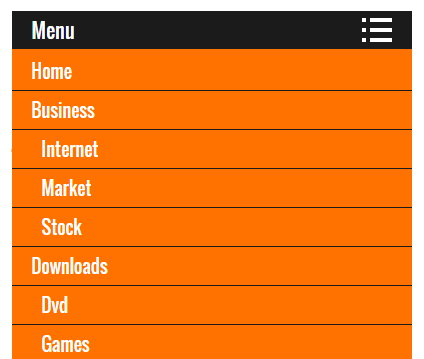
Find this in “Edit HTML”:
<ul class='menu_mobilenbt'>

<li><a expr:href='data:blog.homepageUrl'>Home</a></li>

<li><a href='#'>Business</a>
<ul class='sub-menu'>
<li><a href='#'>Internet</a></li>
<li><a href='#'>Market</a></li>
<li><a href='#'>Stock</a></li>
</ul>
</li>

...

</ul>
Replace “#” marks with real URLs and change anchor texts as you like.
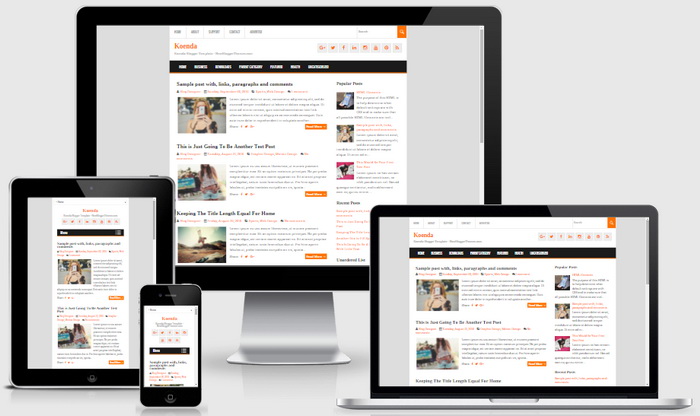
Koenda Blogger Template Responsive View
thanks it's helpfull, but I want to ask,,, how to configure a Recent Posts ?
sorry, I'm Newbe in blogger.com.
Please follow steps here: https://newbloggerthemes.com/blog/add-recent-posts-widget-to-blogger/