Saved Templates

Your saved templates are stored in this browser.

Select the heart on a template to save it here.

Search Templates & Articles

Type at least 2 characters to search.

Touchriver

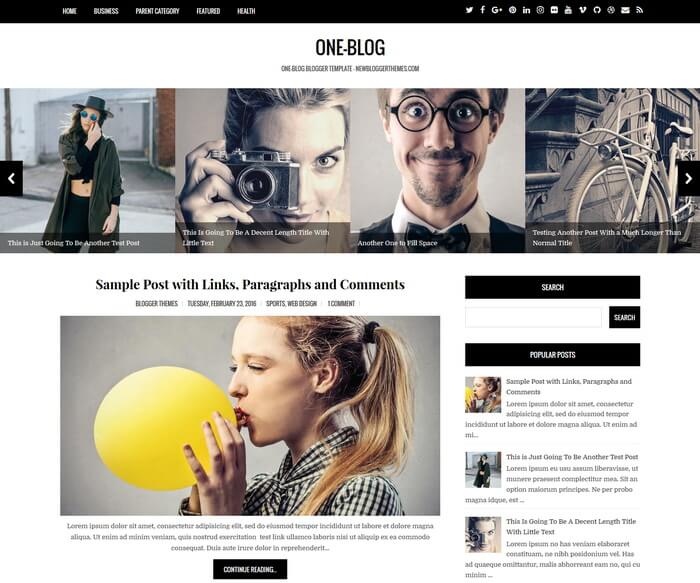
How To Configure Featured Content Slider

Find this in “Edit HTML”:

<div id='slider'>

<!-- you can see slider content here -->

</div>

For each slide,

Replace “ENTER-SLIDE-X-LINK-HERE” with real slide link.(there are 2 locations)
Replace “Enter Slide X Title Here – NewBloggerThemes.com” with real slide title.
Replace slide image url and other content.

How To Add Links Top Navigation Menu

Go to “Layout”. Click on “Edit” link of “Edit This Menu” widget.

Now add your links to that link list widget.
Need Help With Setup?

Follow the installation guide or contact us with your template name and blog URL.

Installation guide →Ask a question →

Related Blogger Templates

Browse All Templates

The conversation

1 thought on “Touchriver Blogger Template”

Leave a Reply

Your email address will not be published. Required fields are marked *


This site uses Akismet to reduce spam. Learn how your comment data is processed.