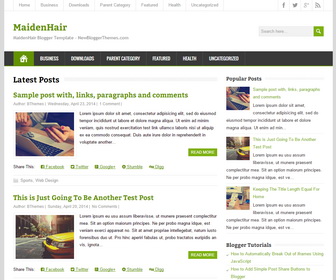
MaidenHair is a minimal, search engines friendly, responsive 2 columns blogger theme that allows for easy viewing on any phone, tablet or desktop computer. MaidenHair blogger template has social buttons in header, header search box, post share links, google fonts, icon fonts, auto post summaries, related posts, right sidebar, 3 columns footer area and much more.
How To Add Links to Top Navigation Menu
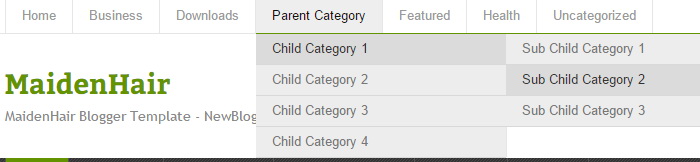
Find this in “Edit HTML”:
<ul class='menunbt' id='top-navnbt'>

<li><a expr:href='data:blog.homepageUrl'>Home</a></li>

<li><a href='#'>Business</a>
<ul class='sub-menu'>
<li><a href='#'>Internet</a></li>
<li><a href='#'>Market</a></li>
<li><a href='#'>Stock</a></li>
</ul>
</li>

...

<li><a href='#'>Uncategorized</a></li>

</ul>
Replace “#” marks with real URLs and change anchor texts as you like.
How To Configure Social Buttons

Find this in “Edit HTML”:
<div class='header-iconsnbt'> <a class='social-iconnbt facebook-iconnbt' href='https://www.facebook.com/newbthemes/' rel='nofollow' target='_blank'/> <a class='social-iconnbt twitter-iconnbt' href='https://twitter.com/newbthemes' rel='nofollow' target='_blank'/> <a class='social-iconnbt google-iconnbt' href='https://plus.google.com/114594158726319551901/posts' target='_blank'/> <a class='social-iconnbt rss-iconnbt' expr:href='data:blog.homepageUrl + "feeds/posts/default"' rel='nofollow' target='_blank'/> </div>
Add your own social links replacing my social network profile URLs.
How To Add Links to Secondary Navigation Menu
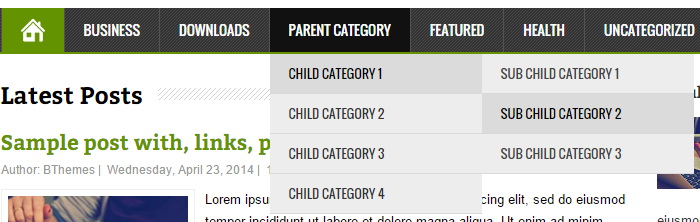
Find this in “Edit HTML”:
<ul class='menunbt' id='navnbt'>

<li><a href='#'>Business</a>
<ul class='sub-menu'>
<li><a href='#'>Internet</a></li>
<li><a href='#'>Market</a></li>
<li><a href='#'>Stock</a></li>
</ul>
</li>

...

<li><a href='#'>Uncategorized</a></li>

</ul>
Replace “#” marks with real URLs and change anchor texts as you like.
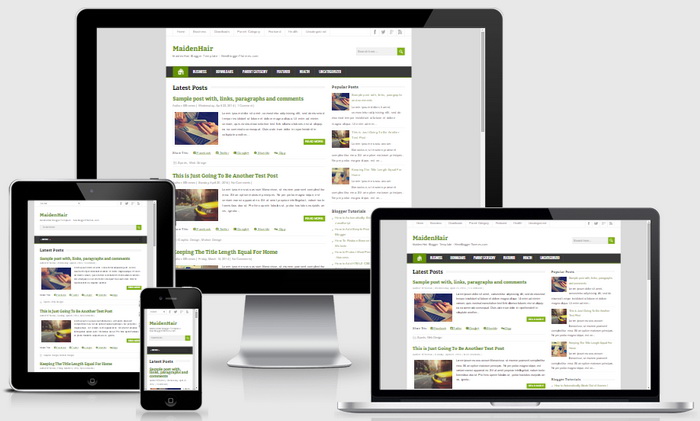
MineZine Blogger Template Responsive View:
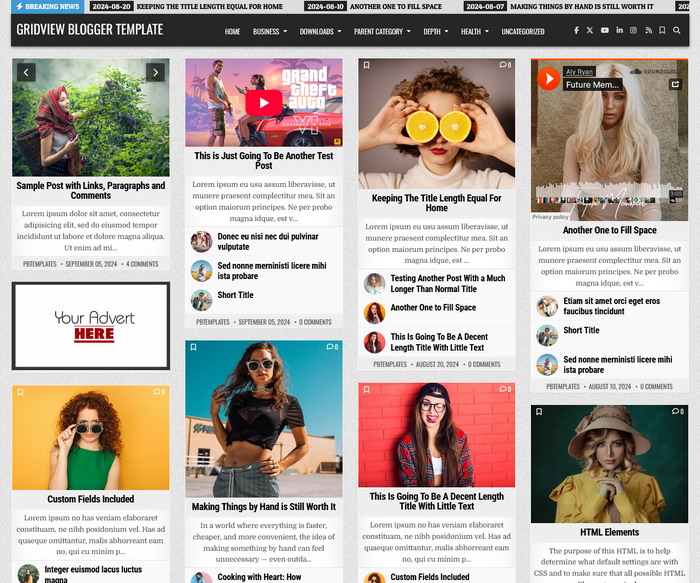
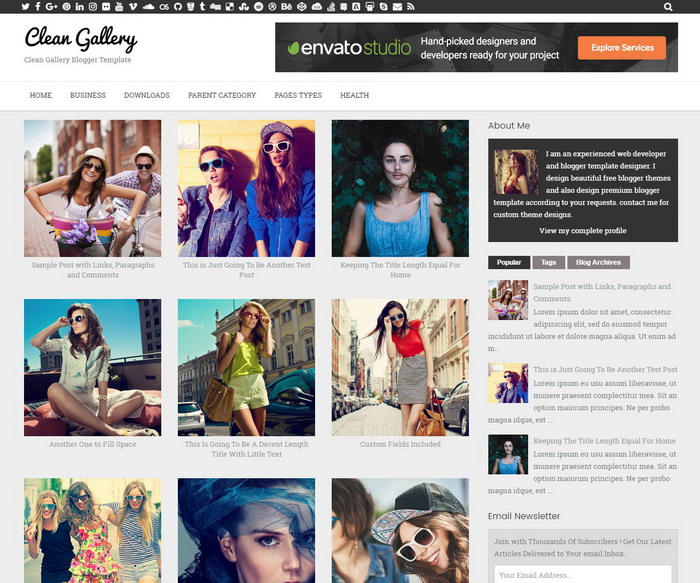
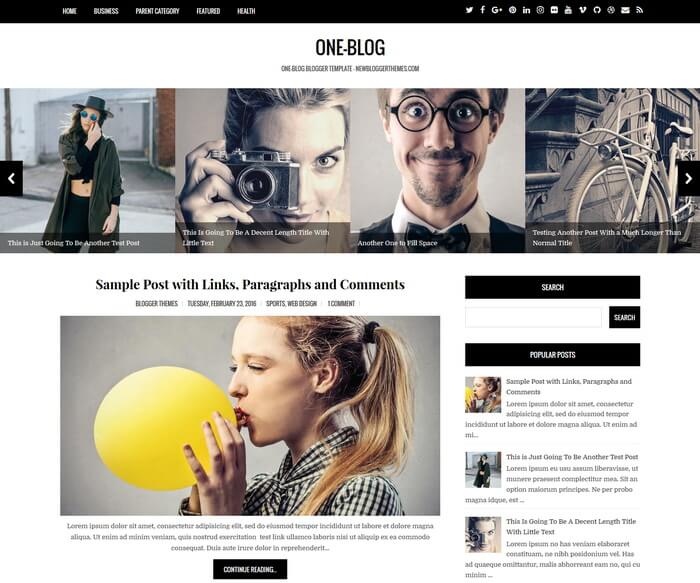
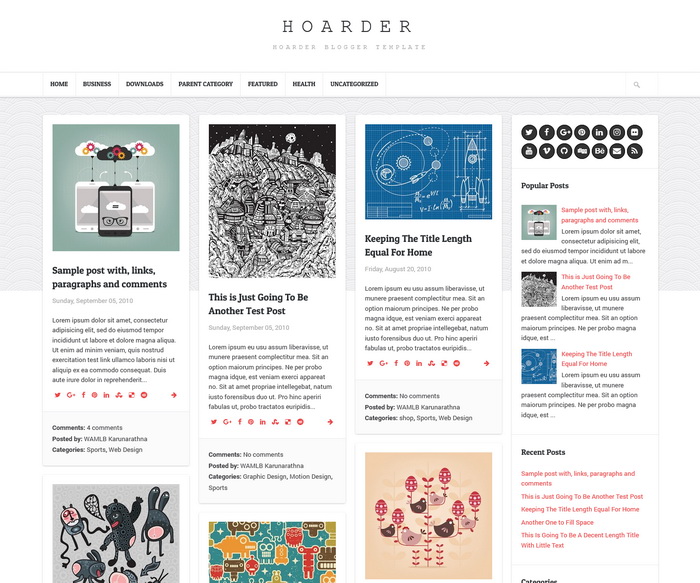
Hi and thanks for your great work
It is a good tempate, light, and clean, and has the latest html code. I love and I use for my blog
I would like you to take my website on blogger and put your theme (Maiden Hair) over the theme that I currently have which is not responsive and duplicate the tabs. Except on what are now my side tabs I would like the ability to have drop down sub catagories. I can also see with Maiden I will not be able to use as large a banner photo but would like to tailor it so that it looks similar to what I have now, how much will it cost to transfer this template to my blog?
My next question is will your blog help me in SEO?
sent you a reply.
very good themplates..ilike it
hii admin,, how to remove share this from template,,, help me.
remove this code block from the theme:
<b:if cond='data:blog.pageType != "static_page"'>
<div class='pbtsharethisbutt'>
<ul class='pbt-social-icons'>
…
</ul>
</div>
<div style='clear: both;'/>
</b:if>
hi admin,, how to create dynamic heading title..
hi! thanks, its a nice template. good job