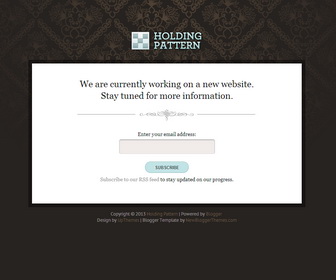
How To Configure Email Subscription Box
1.Go to “Template” –> “Edit HTML” of your blog.
2.Find this:
<form action='http://feedburner.google.com/fb/a/mailverify' method='post' onsubmit='window.open('http://feedburner.google.com/fb/a/mailverify?uri=newbthemes', 'popupwindow', 'scrollbars=yes,width=550,height=520');return true' target='popupwindow'> <label for='email'>Enter your email address:</label> <p><input name='email' type='text'/></p> <input name='uri' type='hidden' value='newbthemes'/> <input name='loc' type='hidden' value='en_US'/> <input type='submit' value='Subscribe'/> </form>
3.Replace “newbthemes” with your Feedburner ID.
How To Add Links Top Navigation Menu
Go to “Layout”. Click on “Edit” link of “Edit This Menu” widget.
Now add your links to that link list widget.



