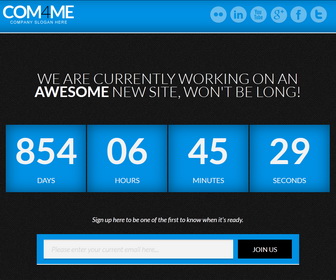
How to Configure the Counter
1.Go to “Template” –> “Edit HTML” of your blog.
2.Find this:
<script type='text/javascript'>
$(document).ready(function() {
<!--Countdown Script-->
$("#countdown").countdown({
date: "23 november 2015 1:50:30", // add the countdown's end date (i.e. 3 november 2012 12:00:00)
format: "on" // on (03:07:52) | off (3:7:52) - two_digits set to ON maintains layout consistency
},
function() {
// the code here will run when the countdown ends
alert("done!")
});
});
</script>
3.Change “23 november 2015 1:50:30” to the date you need.
How to configure email subscribe box
1.Go to “Template” –> “Edit HTML” of your blog.
2.Find this:
<!--Subscribe starts--> <h4>Sign up here to be one of the first to know when it's ready.</h4> <div id='Subscribe'> <form action='http://feedburner.google.com/fb/a/mailverify' id='signup' method='post' onsubmit='window.open('http://feedburner.google.com/fb/a/mailverify?uri=newbthemes', 'popupwindow', 'scrollbars=yes,width=550,height=520');return true' style='' target='popupwindow'> <input class='email' id='email' name='email' type='email' value='Please enter your current email here...'/> <input name='uri' type='hidden' value='newbthemes'/> <input name='loc' type='hidden' value='en_US'/> <input alt='Submit' class='submit' data-done='JOINED!' id='subscribe-submit' type='submit' value='JOIN US'/> </form> </div> <!--Subscribe ends-->
3.Replace “newbthemes” with your Feedburner ID. (you can see it 2 times)
How to Configure the Social Buttons
      <ul id='socials'>
         <li class='twitter'>
            <a href='http://twitter.com/'><img alt='' src='http://3.bp.blogspot.com/-cFKg165pwfU/UetgoSI67_I/AAAAAAAAJoE/uphLk0LbdhE/s1600/twitter.png'/></a>
         </li>
         <li class='facebook'>
            <a href='http://facebook.com/'><img alt='' src='http://3.bp.blogspot.com/-W2LCJkzppis/Uetgm9R5MLI/AAAAAAAAJnk/4RjWJZhLstc/s1600/facebook.png'/></a>
         </li>
         <li class='google-plus'>
           <a href='http://plus.google.com/'><img alt='' src='http://4.bp.blogspot.com/---R1YaD0hT8/UetgnAM_4II/AAAAAAAAJn0/py3De_CWzSQ/s1600/google-plus.png'/></a>
         </li>
         <li class='youtube'>
            <a href='http://youtube.com/'><img alt='' src='http://4.bp.blogspot.com/-8munsU5ompA/Uetgozu3aCI/AAAAAAAAJoU/GLg52GeyerU/s1600/youtube.png'/></a>
         </li>
         <li class='linkedin'>
            <a href='http://linkedin.com/'><img alt='' src='http://3.bp.blogspot.com/-BZxBIZRYyS0/Uetgn5kD9eI/AAAAAAAAJn8/SUR5FELwTKQ/s1600/linkedin.png'/></a>
         </li>
         <li class='flickr'>
            <a href='http://flickr.com/'><img alt='' src='http://4.bp.blogspot.com/-PvCWBbbNO-Y/Uetgm12iVCI/AAAAAAAAJno/vwy0c4t-qNY/s1600/flickr.png'/></a>
         </li>
      </ul>
Change social button URLs with your own links.
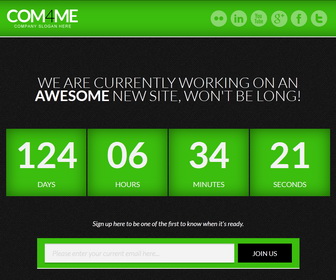
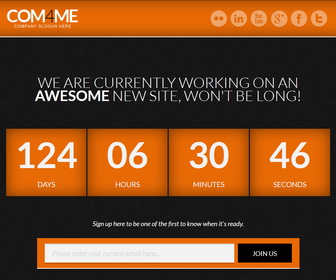
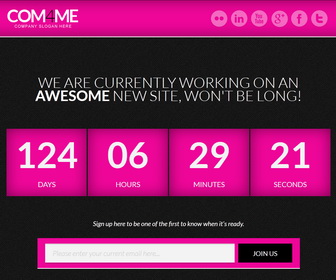
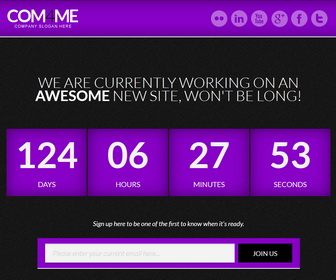
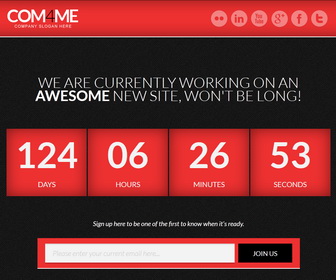
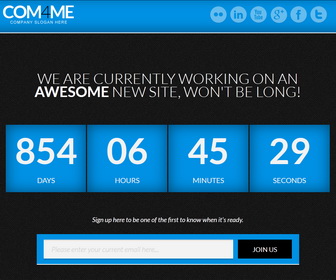
6 Theme Color Option (Blue, Green, Orange, Pink, Purple, Red)




thanks
How to get feedburn id for your blog?…www.KKDLSAKD blogspot.com???
you need to create a feedburner feed for your site.