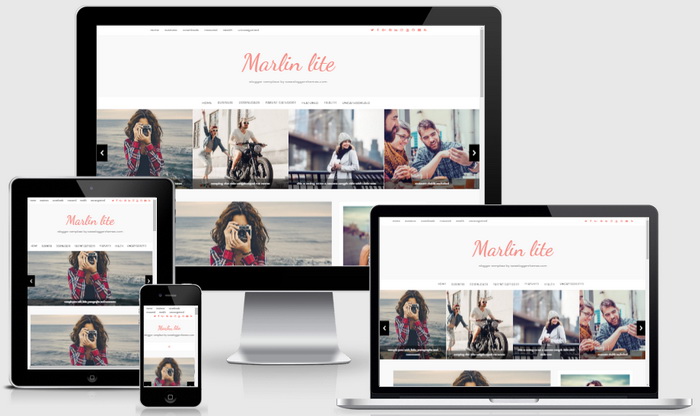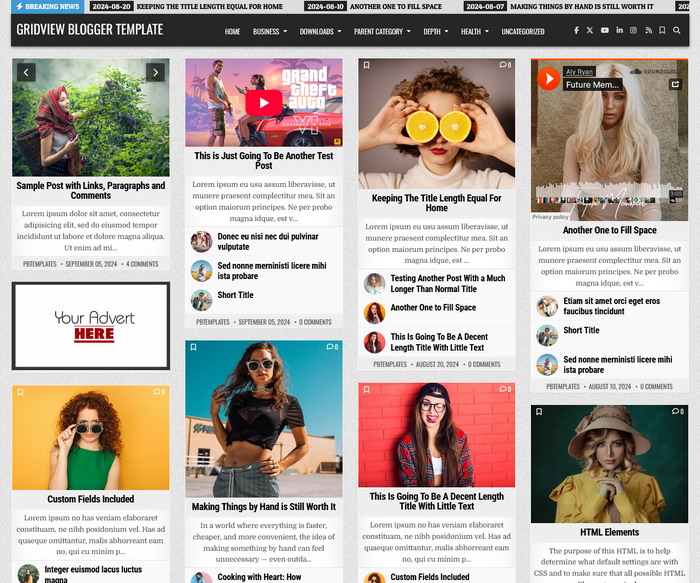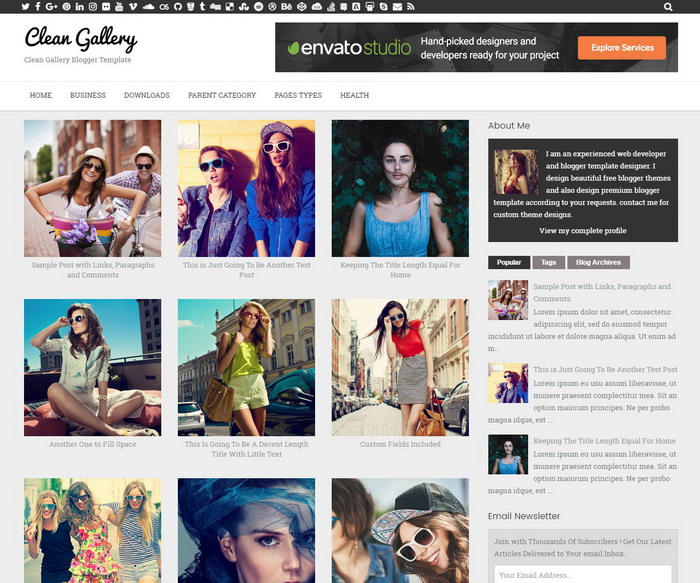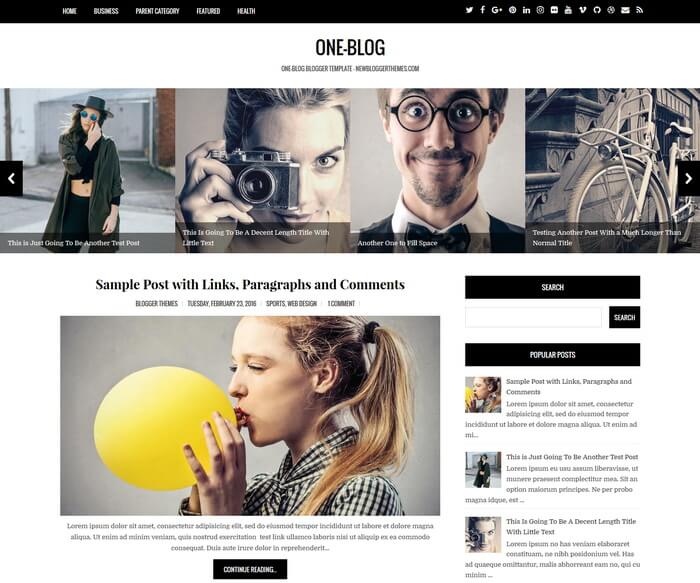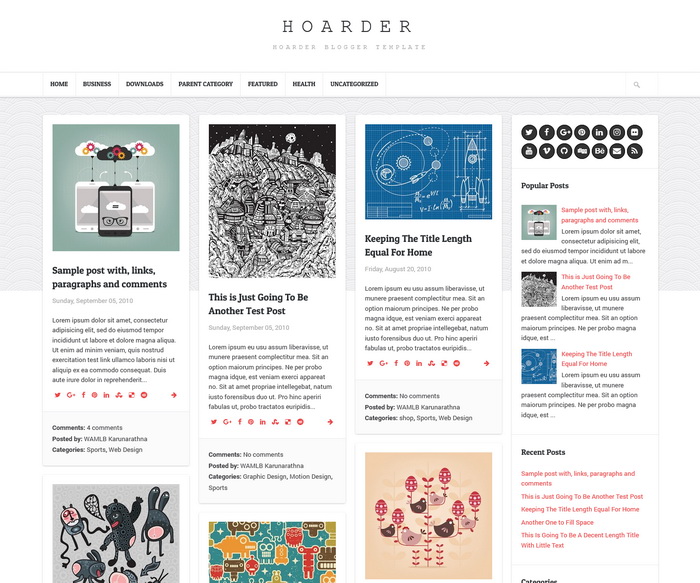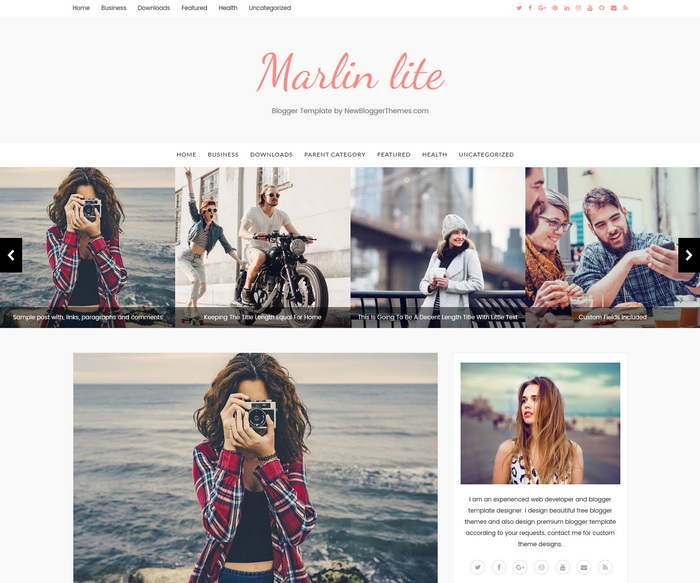
Marlin lite is a minimal and elegant, 100% responsive, template designer compatible, 2 columns premium blogger theme is optimized for search engines. Marlin lite Blogger Template has background image support, font and color options, so you can change fonts (over 100 fonts) and colors (unlimited colors) very quickly without editing any HTML. This blogger template has a right sidebar, automatic featured posts slider, custom about widget, Google web fonts, icon fonts, related posts with thumbnails, social and sharing buttons, top navigation menu, multi-level primary menu and more.
It is 100% Responsive: Check Mobile Friendly
It has search engine friendly data: Check SEO Friendly
Marlin lite Theme Features
- 100% Responsive (Mobile Friendly)
- Search Engine Optimized
- Unlimited Colors to Choose
- Hundreds of Fonts to Select
- Support for a Background Image
- Automatic Featured Posts Slider
- Related Posts with Thumbnails
- Top Menu and Multi-level Navigation Menu
- Beautiful Social Buttons
- Post Share Buttons
- Custom About Me Widget
- Facebook and Twitter Meta Data
- Many More Features…
How To Configure Top Navigation Menu

Find this in “Edit HTML”:
<ul class='topbar-menunbt pull-left'>
<li><a expr:href='data:blog.homepageUrl'>Home</a></li>
<li><a href='#'>Business</a></li>
<li><a href='#'>Downloads</a></li>
<li><a href='#'>Featured</a></li>
<li><a href='#'>Health</a></li>
<li><a href='#'>Uncategorized</a></li>
</ul>
Replace “#” marks with real URLs and change anchor texts as you like.
How To Configure Social Buttons

Find this in “Edit HTML”:
<div class='socialnbt pull-right'>
<a href='https://twitter.com/' rel='nofollow' target='_blank' title='Twitter'><i class='fa fa-twitter'/></a>
<a href='https://www.facebook.com/' rel='nofollow' target='_blank' title='Facebook'><i class='fa fa-facebook'/></a>
<a href='https://plus.google.com/' rel='nofollow' target='_blank' title='GooglePlus'><i class='fa fa-google-plus'/></a>
<a href='https://www.pinterest.com/' rel='nofollow' target='_blank' title='Pinterest'><i class='fa fa-pinterest'/></a>
...
</div>
Add your own social links replacing default social profile URLs.
How To Configure Primary Navigation Menu
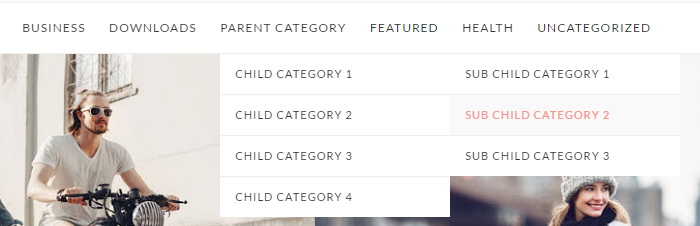
Find this in “Edit HTML”:
<ul class='vtmenu'>

<li><a expr:href='data:blog.homepageUrl'>Home</a></li>

<li class='menu-item-has-children dropdown'><a aria-haspopup='true' class='dropdown-toggle' data-toggle='dropdown' href='#'>Business <span class='caret'/></a>
<ul class='sub-menu'>
<li><a href='#'>Internet</a></li>
<li><a href='#'>Market</a></li>
<li><a href='#'>Stock</a></li>
</ul>
</li>

...

</ul>
Replace “#” marks with real URLs and change anchor texts as you like.
How To Configure Featured Posts Slider
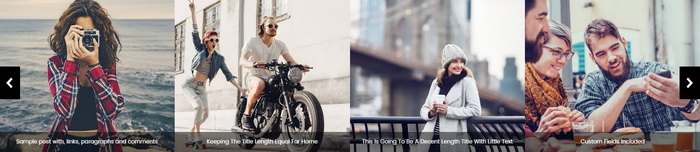
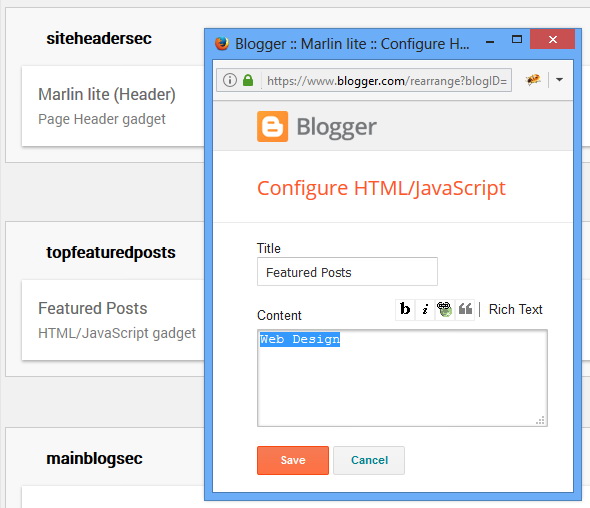
This slider automatically displays posts from a given category. To add your category name go to “Layout” page.
Click on the edit link of “Featured Posts” widget.
Add your category name like below and save the widget.
How To Configure About Widget
Find this code in “Edit HTML”:
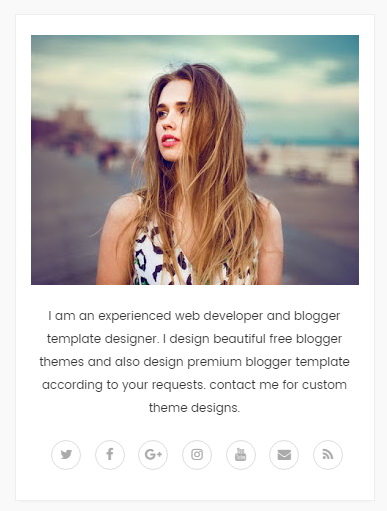
<!-- About Me Widget Start --> <div class='widget marlin_lite_about_widget'> <div class='about-widgetnbt widget-content'> <div class='about-imgnbt'> <img class='about-imgnbt' height='250' src='https://4.bp.blogspot.com/-EFFeNWNQVO4/WJlC1crltPI/AAAAAAAAQH4/72b4kjz2xMAHz2vnW6GIVL3vmhdzcvWDgCLcB/w328-h250-c/11.jpg' width='328'/> </div> <div class='about-descriptionnbt'> <p>I am an experienced web developer and blogger template designer. I design beautiful free blogger themes and also design premium blogger template according to your requests. contact me for custom theme designs.</p> <p class='about-socialnbt'> <a href='https://twitter.com/' rel='nofollow' target='_blank' title='Twitter'><i class='fa fa-twitter'/></a> <a href='https://www.facebook.com/' rel='nofollow' target='_blank' title='Facebook'><i class='fa fa-facebook'/></a> <a href='https://plus.google.com/' rel='nofollow' target='_blank' title='GooglePlus'><i class='fa fa-google-plus'/></a> <a href='https://www.instagram.com/' rel='nofollow' target='_blank' title='Instagram'><i class='fa fa-instagram'/></a> <a href='https://www.youtube.com/' rel='nofollow' target='_blank' title='Youtube'><i class='fa fa-youtube'/></a> <a href='mailto:123@abc.com' rel='nofollow' target='_blank' title='Contact'><i class='fa fa-envelope'/></a> <a expr:href='data:blog.homepageUrl + "feeds/posts/default"' target='_blank' title='RSS'><i class='fa fa-rss'/></a> </p> </div> </div> </div> <!-- About Me Widget End -->
Change about image(328px width and 250px height) address, description and social URLs as you like.
Marlin lite Blogger Template Responsive View